
A fake 'I'm not a robot' check is tricking people into installing malware
A scam called ClickFix shows a fake CAPTCHA, then asks you to paste a command into your computer. ASD says it's being run through Australian business websites.
By Agentico team ·
A scam called ClickFix is using fake "I'm not a robot" checks to get people to install malware on their own computers, The Conversation reported on 19 November. Australia's national cyber security agency has already found a ClickFix campaign here spreading malware that steals passwords.
The trick works because most of us tick CAPTCHA boxes without a second thought. You land on what looks like an ordinary website, often a real site that criminals have broken into. A familiar verification box appears. After you tick it, the page shows extra instructions.
What the fake check asks you to do
Behind the scenes, the page copies a command to your clipboard. It then asks you to press a keyboard shortcut such as Windows+R, which opens the Run box, and paste the command in. On a Mac the same trick uses Terminal. Both are legitimate tools for advanced users, but here they're used to install malware.
Clicking the fake box on its own doesn't necessarily infect your computer, The Conversation says. The damage happens when you follow the extra steps and run the command.
What ASD found in Australia
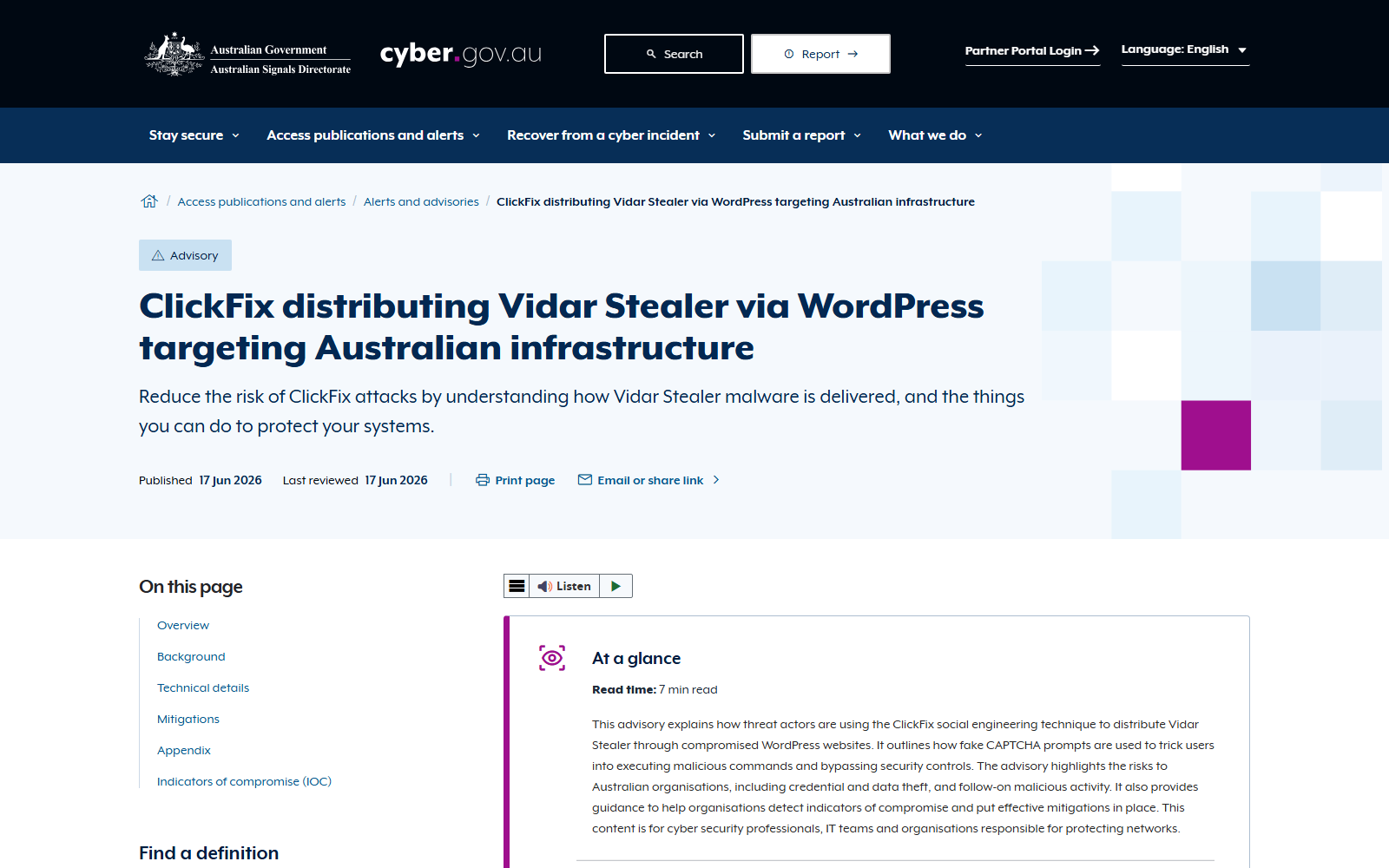
ASD's Australian Cyber Security Centre published an advisory on ClickFix earlier this year. It says that since early 2026 it has seen a number of attacks on Australian networks that used websites belonging to legitimate Australian businesses. Criminals inject code into compromised WordPress sites, which then shows a fake Cloudflare verification prompt.
The malware in that campaign is Vidar Stealer. ASD says it can take credentials, browser data, cryptocurrency wallets and system information, and that it mainly targets Windows computers.
That gives a small business two reasons to care. Staff can be caught by the fake check while browsing for work. And a WordPress site that isn't kept up to date could end up showing the fake check to your own customers. ASD's advice to website owners is to keep WordPress, plugins and themes patched and to remove ones you no longer use.
What to do
The simplest rule comes from The Conversation: a genuine CAPTCHA will never ask you to copy and paste text or run a command. It's worth telling everyone who uses a computer in your business.
If someone has already run a command like this, The Conversation's advice is to disconnect that device from the internet and get technical help, or contact IT for a work computer. Then use a different, trusted device to change any passwords that may have been exposed, and check important accounts for anything unusual.
Its other tips are the usual ones that still matter: keep computers, browsers and security software updated, use strong, unique passwords with multi-factor authentication, and only download software from official sites.
Sources
We help Sunshine Coast businesses put AI to work on the systems they already use. If you'd like to talk through what this means for yours, book a free call.
Book a free call