
You can now switch off Canva's generative AI tools
Canva Free and Pro users can now turn off its generative AI tools and see fewer AI-made templates. The settings are rolling out gradually.
By Agentico team ·
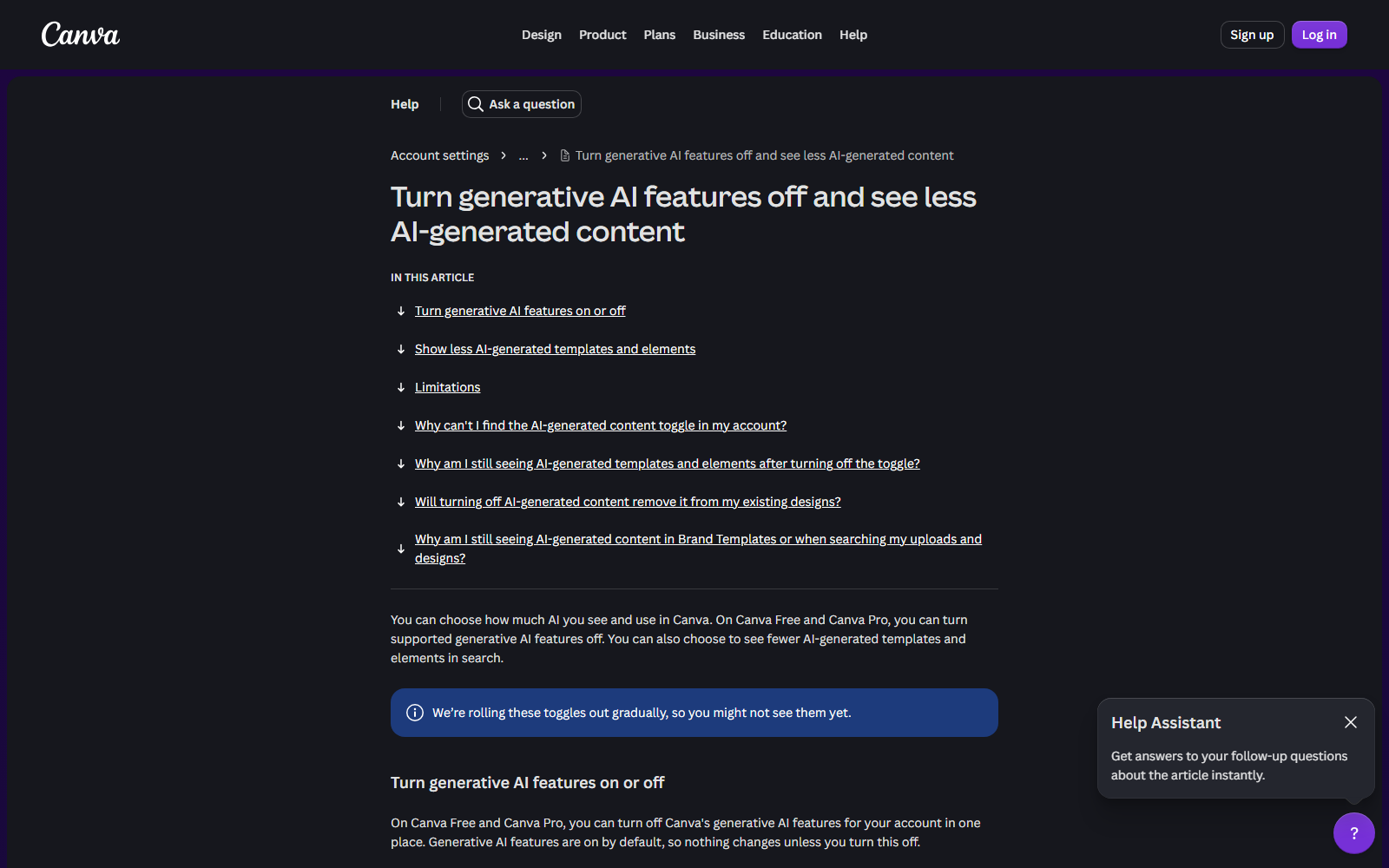
Canva has added a setting that lets people on its Free and Pro plans turn off its generative AI tools. The change was reported last week by The Verge, PetaPixel and Startup Daily, and Canva's help page says the settings are rolling out gradually, so not everyone will see them yet.
Generative AI features are on by default, Canva says, so nothing changes unless you turn them off.
What the switch turns off
PetaPixel reports the setting hides Magic Expand, Magic Write, Magic Design, Magic Layers, Magic Edit, Dream Lab, Canva Code and AI Shapes. It also stops you making images through Canva's AI chatbot.
Some AI tools stay on. Background Remover and Magic Grab keep working, because Canva says they "make everyday tasks faster without generating anything new." Magic Grab lets you pick up an object in a photo and move it.
Startup Daily reports Canva says using only those two tools won't add the metadata that's prompting some social platforms to label a picture as AI-generated. Existing designs aren't changed when you flick the switch.
Less AI in search results
A second setting cuts back the AI-generated templates, graphics and other elements you see in Canva's library. With it on, Canva puts human-made content first in search results.
It won't remove AI content completely. Canva says a small part of its library is AI-generated, and designs that use those elements carry an AI label in their metadata.
What to do
If you'd rather your team didn't use the generative tools, or you want to see fewer AI-made templates, the settings are in your profile. PetaPixel says to go to Profile, then Settings, then Permissions, and switch off "Enable generative AI features". The search setting is under Profile, Your Account and "AI Personalization".
Canva's help page talks about Canva Free and Canva Pro. If your business is on another plan, check whether it applies to you. If you can't see the settings yet, Canva says it's still rolling them out.
Sources
We help Sunshine Coast businesses put AI to work on the systems they already use. If you'd like to talk through what this means for yours, book a free call.
Book a free call